
Expert Advice: Integrating Smart Hubs Seamlessly into Your Home


Understanding Smart Hubs
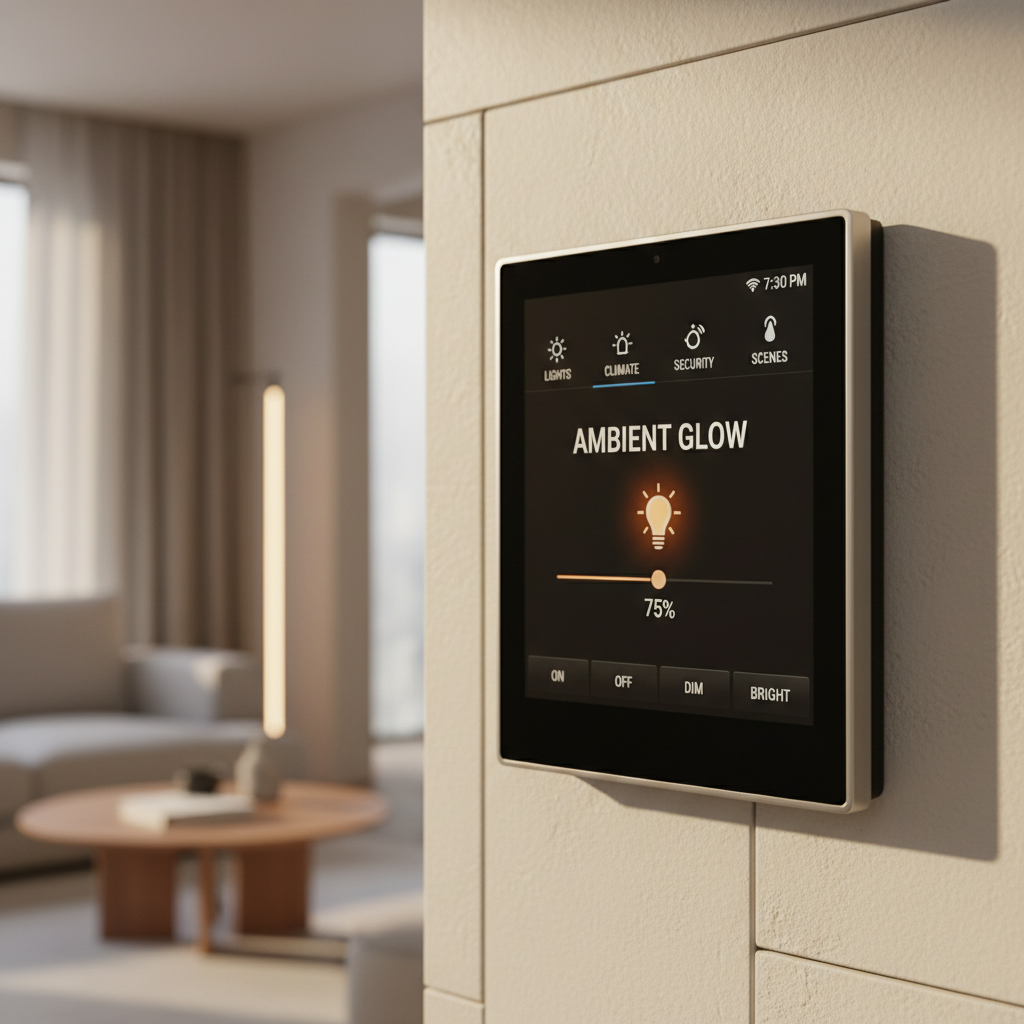
In the rapidly evolving world of smart technology, integrating a smart hub into your home can greatly enhance your living experience. A smart hub acts as the central control point for all your smart devices, allowing you to manage everything from lighting to security systems with ease. By effectively combining these devices, you can create a seamless and efficient smart home environment.
Choosing the Right Smart Hub
Selecting the appropriate smart hub is crucial for a smooth integration. Consider factors like compatibility with existing devices, user interface, and specific features that meet your needs. Popular options include hubs from major brands like Amazon, Google, and Apple, each offering unique capabilities and integrations.
Setting Up Your Smart Hub
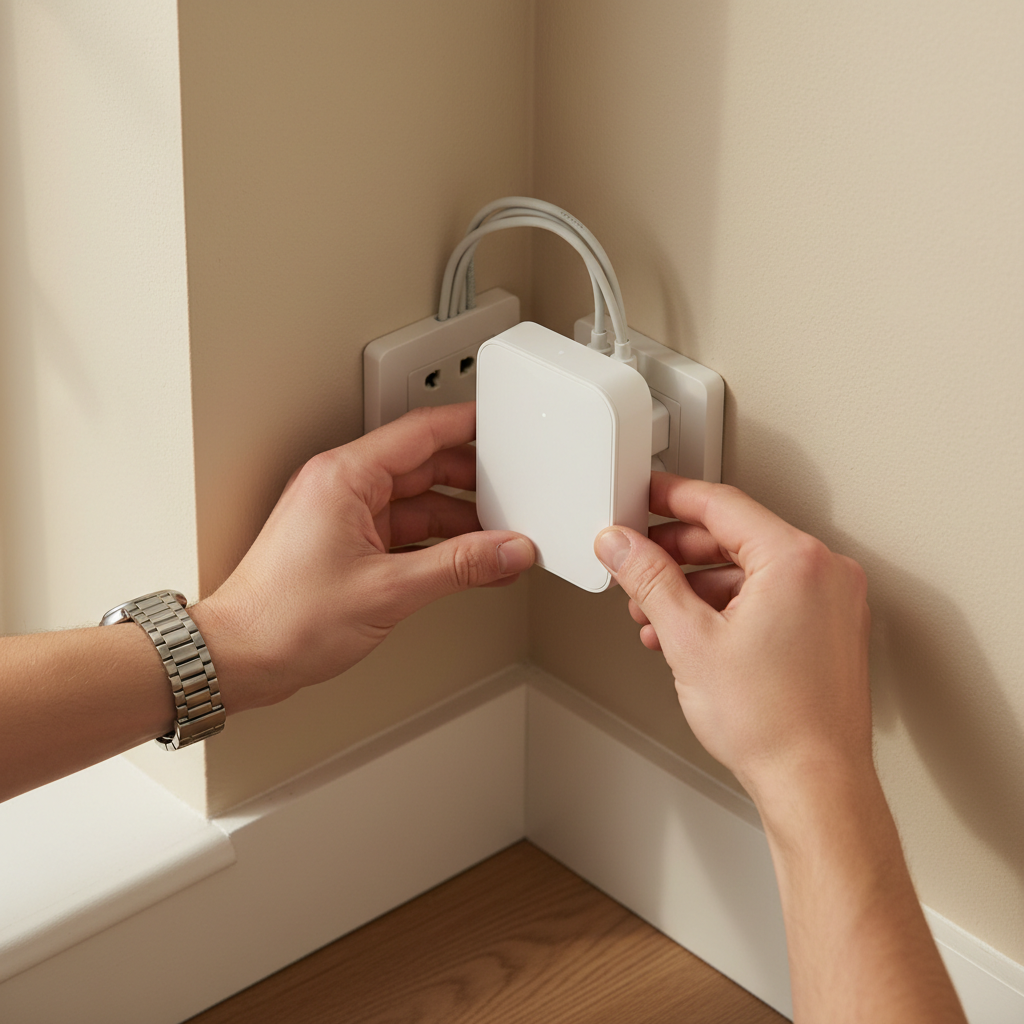
The setup process for a smart hub is generally straightforward. Begin by connecting the hub to your home’s Wi-Fi network. Most hubs come with a companion app that guides you through the initial setup. Ensure all your smart devices are powered on and within range for easy pairing.
Integrating Devices
Once your hub is connected, the next step is integrating your existing smart devices. Use the hub’s app to add devices, ensuring they are compatible. Many hubs support a wide range of devices, from smart lights to thermostats, making it easy to manage them all from a single interface.
Optimizing for Voice Control
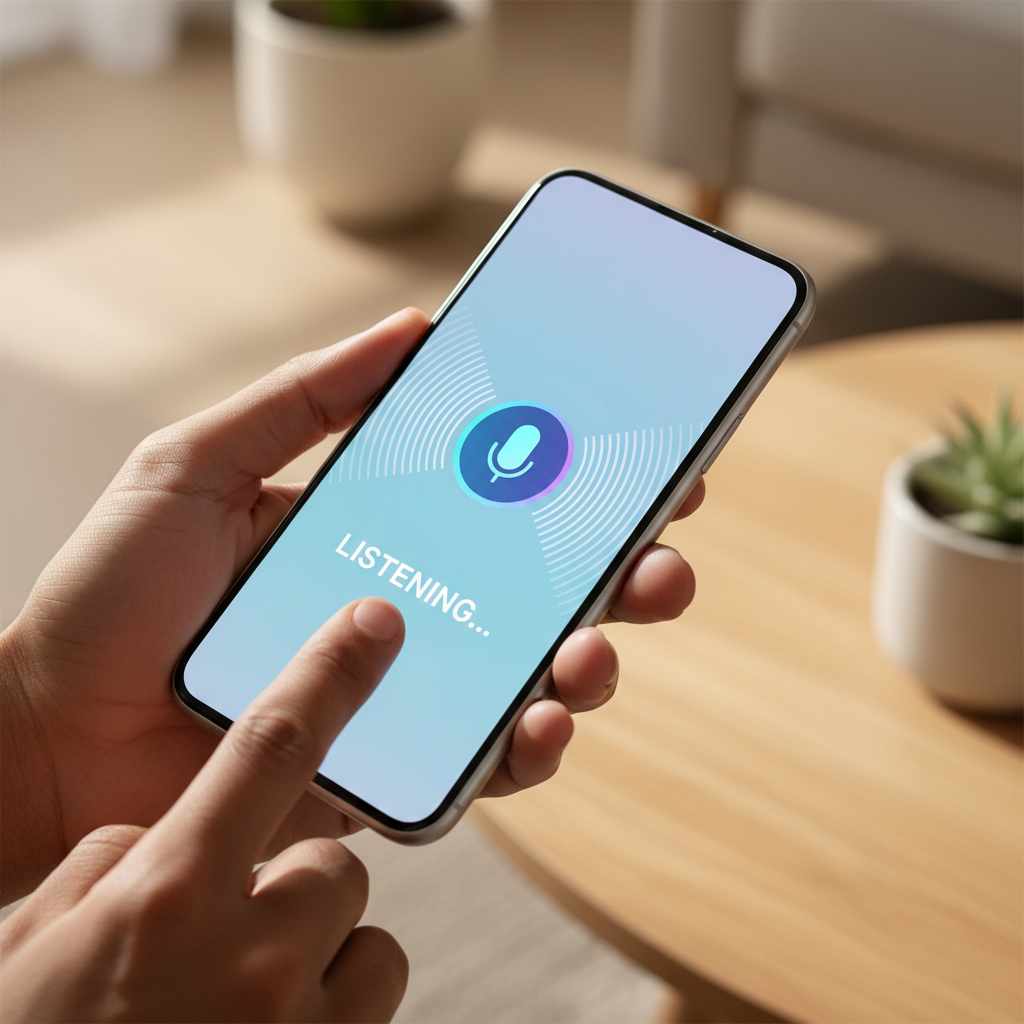
One of the most powerful features of smart hubs is voice control. Whether you're using Alexa, Google Assistant, or Siri, setting up voice commands can greatly enhance convenience. You can control devices, set routines, and even get updates without lifting a finger. Ensure your hub supports your preferred voice assistant for an optimal experience.
Creating Automated Routines
Automated routines are a key feature of smart hubs, allowing you to automate daily tasks. Set up routines like “Good Morning” to automatically adjust lighting and start your coffee maker. These routines can be customized to fit your lifestyle, providing convenience and energy efficiency.
Troubleshooting Common Issues
Despite their benefits, smart hubs can sometimes face connectivity or compatibility issues. Common problems include devices not responding or the hub losing connection. Regularly updating device firmware and ensuring your Wi-Fi is stable can help resolve most issues. If problems persist, consult the hub’s support resources.
Future-Proofing Your Smart Home
As technology advances, it’s important to keep your smart home future-proof. Regularly update your smart hub and devices to benefit from the latest features and security improvements. Consider investing in devices that support multiple platforms and standards to ensure long-term compatibility.
Integrating a smart hub into your home can significantly enhance your daily life, providing greater convenience and control over your environment. By carefully selecting and setting up your hub, and optimizing its features, you can create a truly seamless smart home experience.