
The Ultimate Guide to Smart Device Installation for a Seamless Home Experience


Understanding Smart Devices
In today's fast-paced world, smart devices have become an integral part of our homes. They offer convenience, enhance security, and improve energy efficiency. From smart thermostats to intelligent lighting systems, these devices can transform your living space into a futuristic haven.
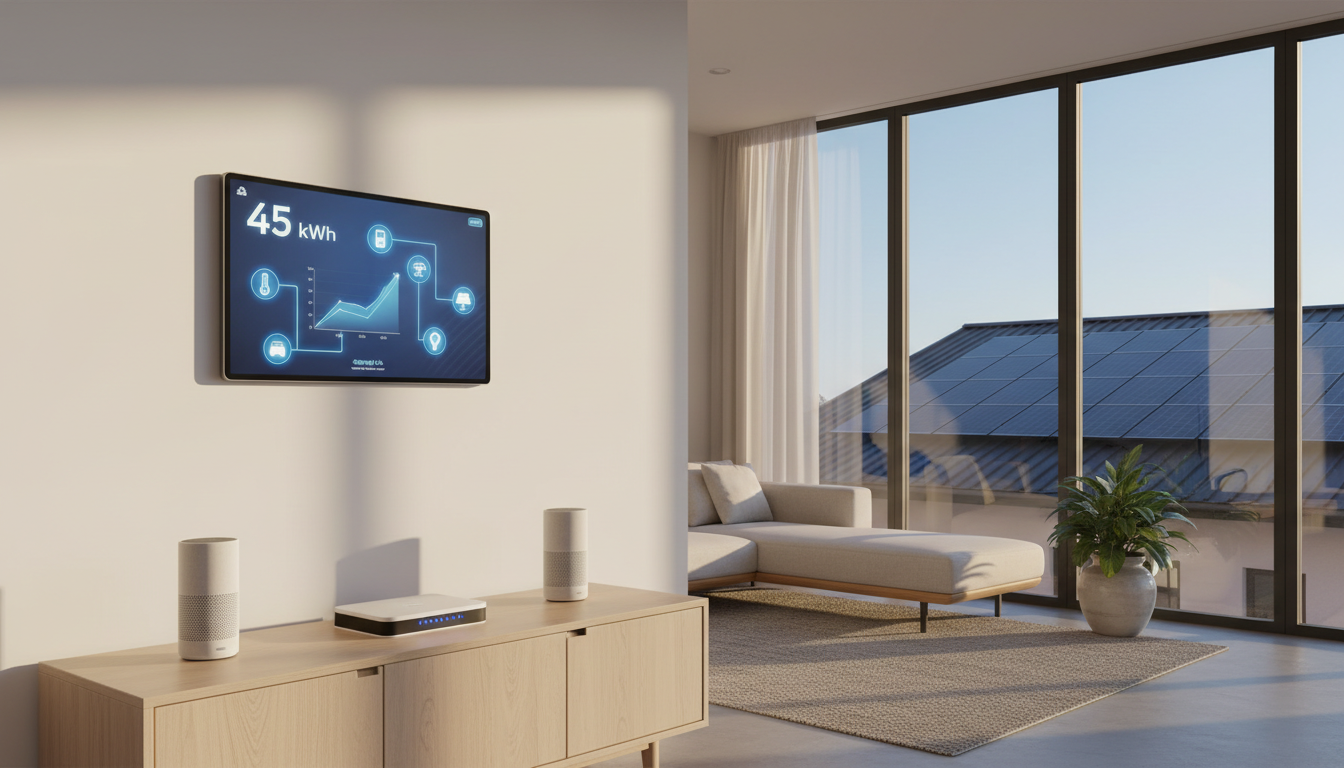
Before diving into the installation process, it's crucial to understand the types of smart devices available. Common categories include smart speakers, security cameras, lighting, and thermostats. Each of these serves a unique purpose and can be tailored to fit your specific needs.
Preparing for Installation
Preparation is key to a seamless smart device installation. Start by assessing your home's current infrastructure. Ensure you have a reliable Wi-Fi network, as most smart devices rely on a stable internet connection.
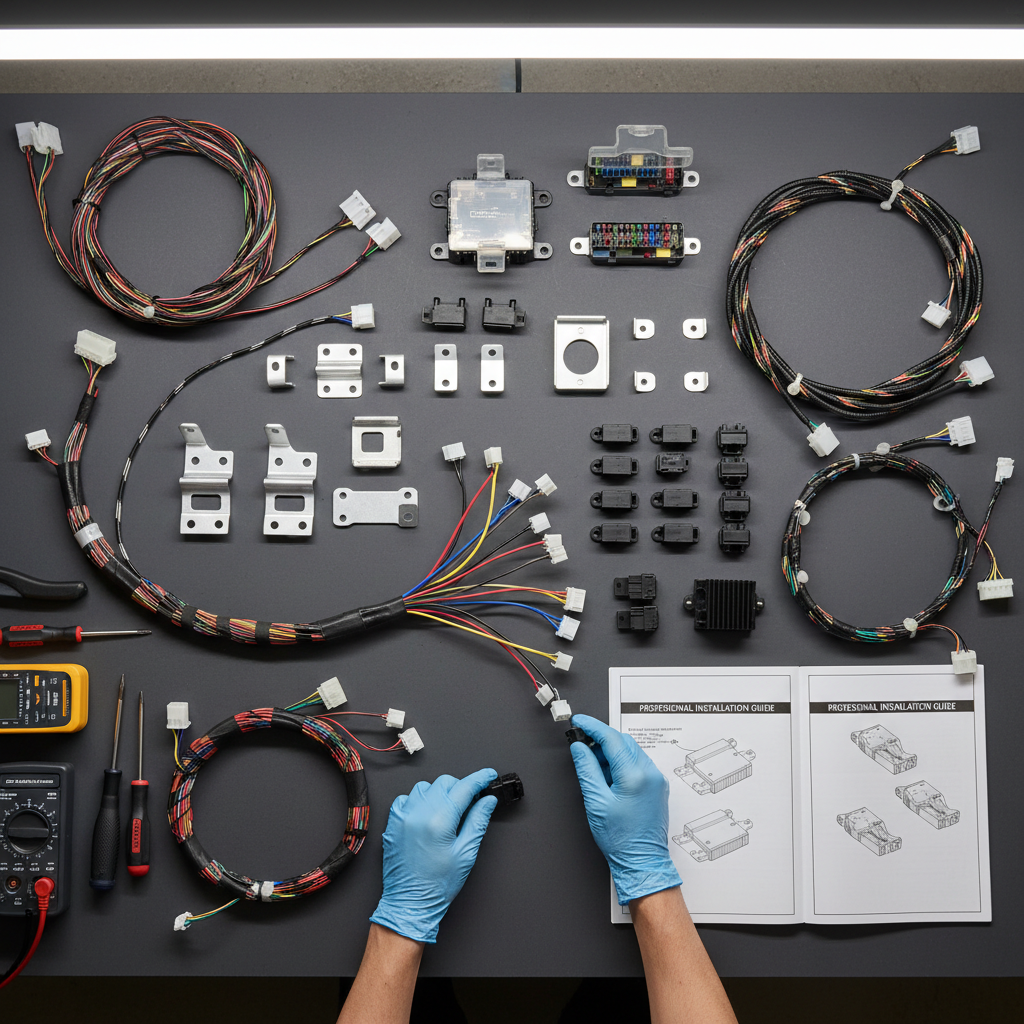
Next, gather the necessary tools and materials. This might include a screwdriver, drill, or even a voltage tester, depending on the device you're installing. Having everything ready before you start will save time and minimize frustration.
Step-by-Step Installation Guide
Once you're prepared, follow these general steps to install your smart device:
- Read the Manual: Always start by reading the manufacturer's instructions. This ensures you understand the specific requirements and steps for your device.
- Install the App: Most smart devices require an app for setup and operation. Download it and create an account if necessary.
- Connect to Wi-Fi: Use the app to connect your device to your home Wi-Fi network. Make sure the connection is secure and strong.
- Test the Device: Once installed, test the device to ensure it's functioning correctly. Adjust settings as needed through the app.
Troubleshooting Common Issues
Even with careful planning, you might encounter issues during installation. Common problems include connectivity issues, app malfunctions, or device errors. Here are some tips to troubleshoot:
- Ensure your Wi-Fi signal is strong and stable.
- Restart the device and app if you experience glitches.
- Check for firmware updates in the app settings.
- Consult the user manual or online support forums for guidance.
Enhancing Your Smart Home Experience
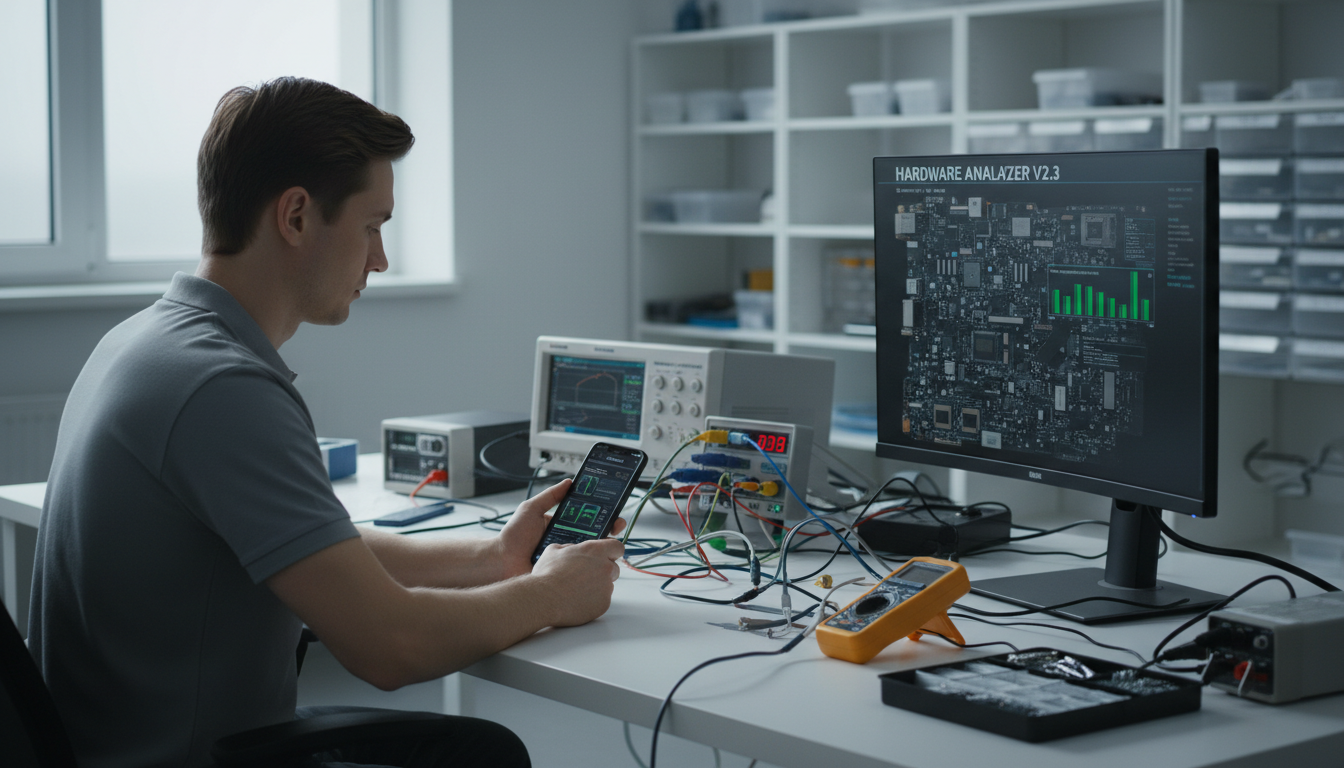
Once your devices are up and running, consider integrating them for a more cohesive smart home experience. Devices can often be synced to work together, providing greater control and efficiency.
Explore automation options, such as setting schedules for lighting or creating routines that trigger multiple devices simultaneously. This not only enhances convenience but also optimizes your home's energy use.
Maintaining Your Smart Devices
Regular maintenance ensures your smart devices continue to function optimally. Keep the software updated, clean the devices regularly, and check connections periodically.
By following these guidelines, you can enjoy a seamless and efficient smart home experience. Embrace the future of living with confidence, knowing your smart devices are installed and maintained correctly.